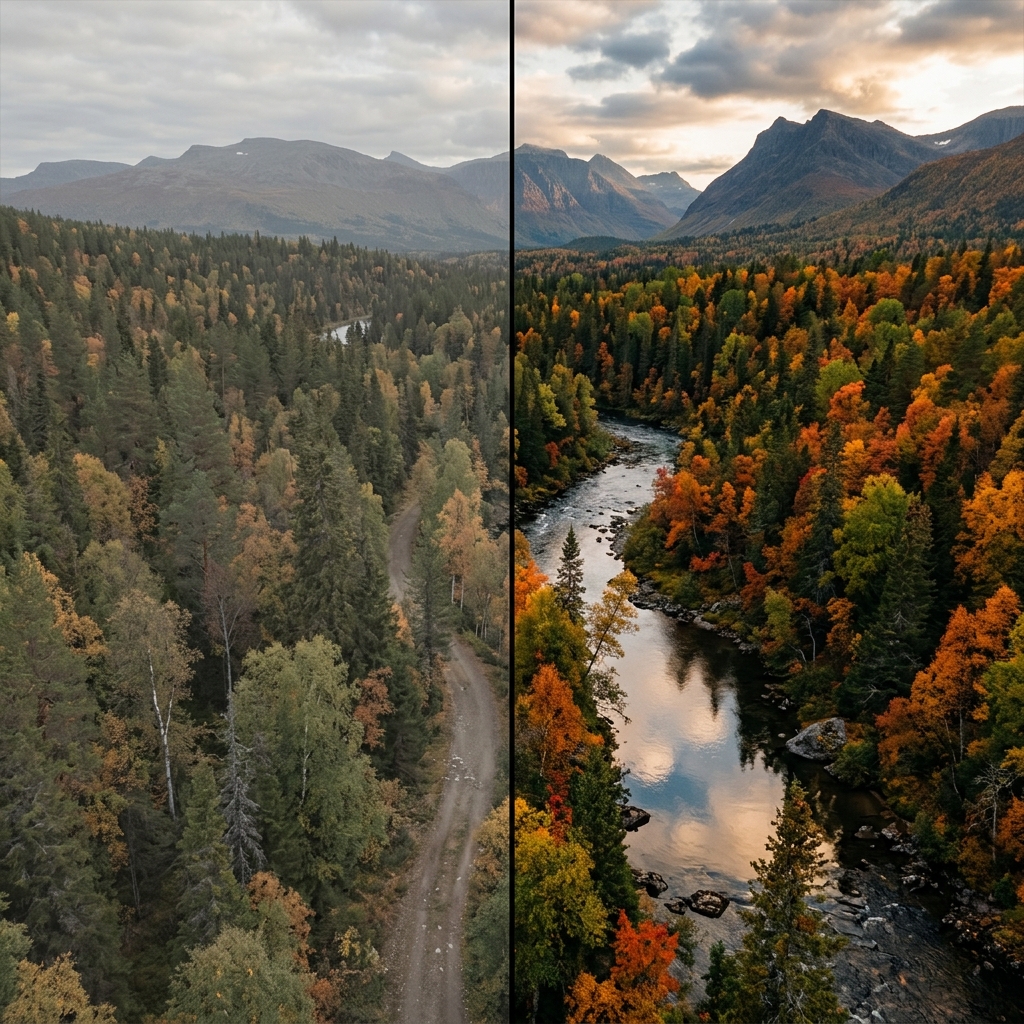
If you've spent any time watching photography tutorials on YouTube or reading about cinematic filmmaking, you've likely heard the term "LUT" thrown around. It sounds technical and intimidating, but it is actually one of the most powerful and easy-to-use tools for transforming the look of your nature photography.
In this guide, we'll explain exactly what a LUT is, how it differs from a standard Instagram filter, and how you can use them in LeafyCam to achieve professional color grading on your Android device.
1. What is a LUT?
LUT stands for Look-Up Table. At its core, it is a mathematical file (.cube) that takes an input color value and maps it to a new output color value.
Imagine a massive spreadsheet. In column A, you have the exact shade of green captured by your camera sensor. In column B, you have a deep, moody, desaturated green. When a LUT is applied to your image, the computer looks at every single pixel, finds its value in column A, and replaces it with the value in column B.
The Film Industry Standard
LUTs are not gimmicks. They were developed by the Hollywood film industry. When movies are shot on professional cameras (like Arri or RED), the footage is incredibly flat and gray. Colorists apply LUTs to instantly convert that flat footage into the rich, cinematic colors you see in the theater.
2. LUT vs. Filter: What's the Difference?
You might be thinking, "This just sounds like an Instagram filter." While they achieve a similar end goal (changing how the image looks), the way they do it is fundamentally different.
Filters are Broad Adjustments
A standard filter usually applies broad adjustments across the entire image. It might increase the overall contrast, add a global yellow tint to warm it up, and boost the overall saturation. Filters are rigid and often destroy image data, crushing shadows into pure black or blowing out skies into pure white.
LUTs are Precise Color Mappings
LUTs are highly complex 3D grids. They can target very specific hues without affecting others. For example, a cinematic nature LUT can take the bright, lime-green of a forest canopy and shift it toward a deep, earthy teal, without affecting the color of the brown tree trunks or the blue sky. It provides surgical precision.
3. Why Use LUTs for Nature Photography?
Nature is beautiful, but a camera sensor doesn't capture emotion; it only captures light. A forest might feel mysterious, moody, and ancient to you, but the camera might render it as bright, cheerful, and intensely neon green.
LUTs allow you to impart emotion back into the image. By applying a moody LUT, you can instantly give a flat forest path a cinematic, National Geographic aesthetic.
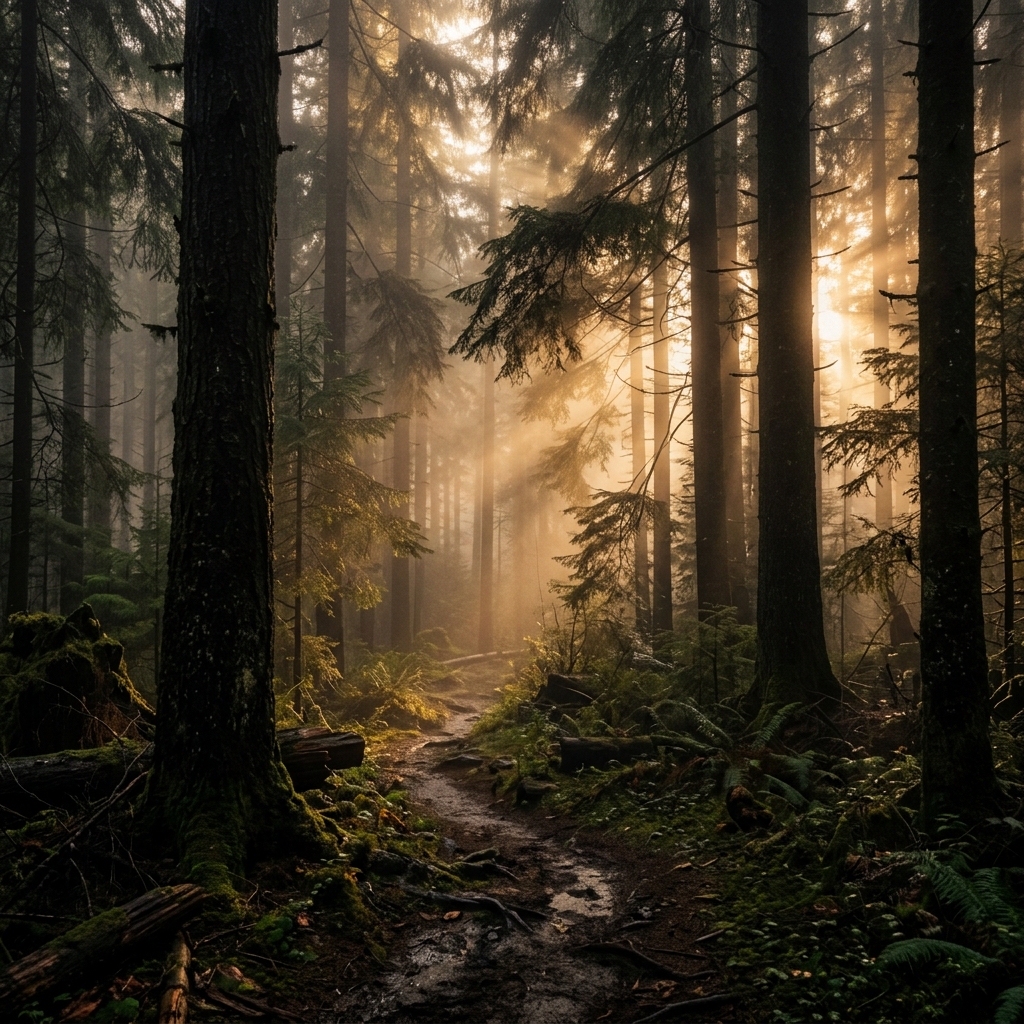
A moody, cinematic color grade achieved instantly with a LeafyCam LUT.
4. How to Use LUTs in LeafyCam
Historically, to use a LUT, you had to shoot a RAW photo on your camera, transfer it to a computer, open Adobe Lightroom or Premiere Pro, and apply the LUT during the editing process.
LeafyCam brings this professional workflow directly to your Android device, with a massive twist: Real-Time Processing.
Real-Time Viewfinder Grading
When you open LeafyCam, you can tap the LUT icon and select from dozens of built-in cinematic profiles (e.g., "Pacific Northwest," "Autumn Gold," "Dark Forest"). The app applies the complex 3D LUT math to your camera's live feed at 30 or 60 frames per second.
This is revolutionary because you can compose your shot based on the final color grade. If a LUT makes the shadows very dark, you can manually adjust your exposure on the spot before pressing the shutter. There's no more guessing.
5. Importing Custom LUTs
As you progress in your photography journey, you might purchase LUT packs from your favorite professional photographers, or even create your own in Photoshop or DaVinci Resolve.
LeafyCam Pro allows you to import any standard .cube LUT file directly into the app. Just save the file to your phone, import it via the settings menu, and you can now use your custom Hollywood color grades in real-time in the forest.
Conclusion
LUTs are the secret weapon of professional colorists and cinematic photographers. They offer precise, beautiful color shifts that standard filters simply cannot match.
With LeafyCam, this professional technology is no longer restricted to desktop computers. Download the app, explore the built-in LUT library, and instantly elevate your nature photography to a cinematic level.